
Kayaking

Fishing
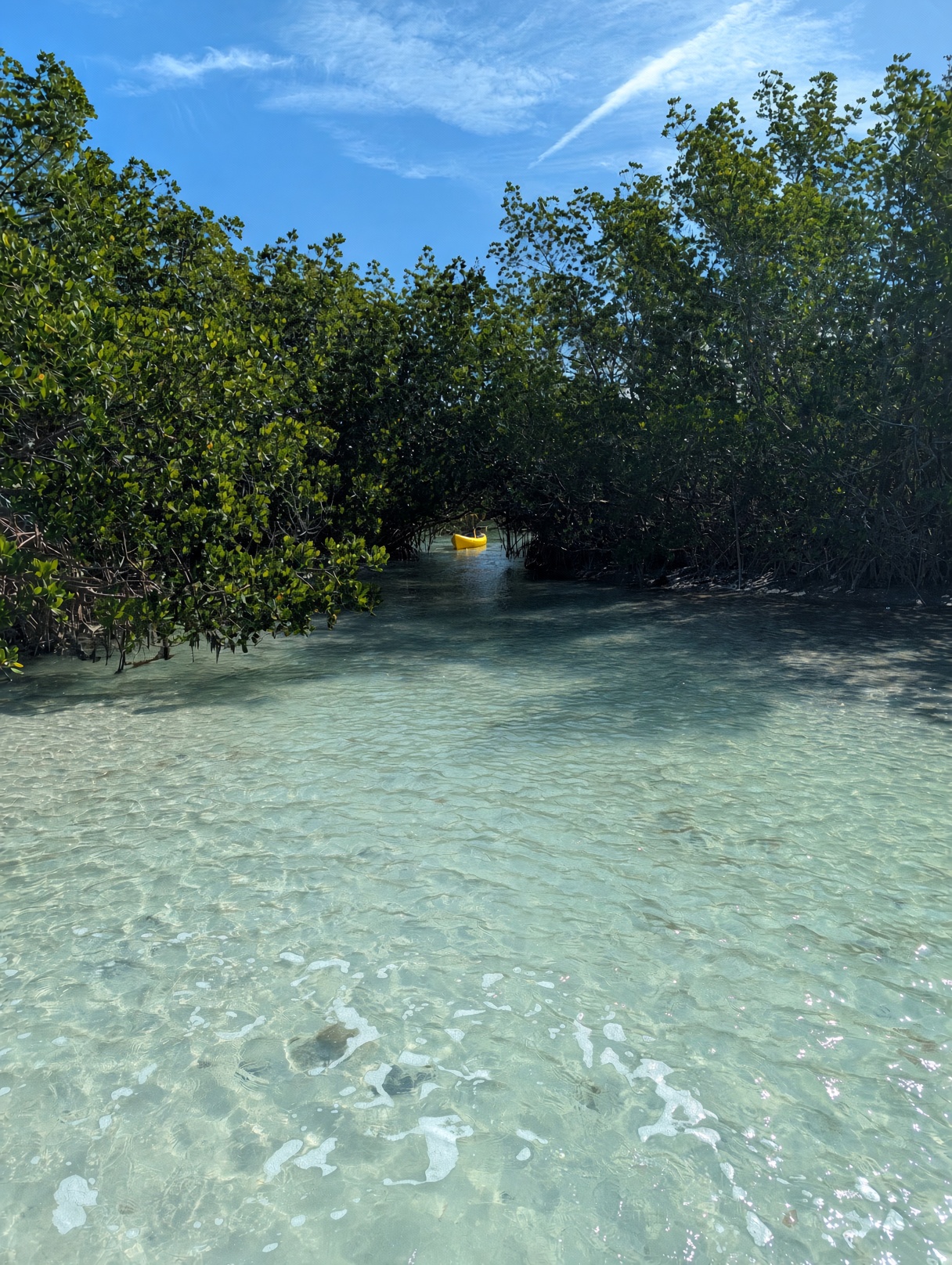
Tour photos, free for guests.
Easy for guides. Your brand.

Wildlife

Whale watching
Why the guides should take the photos
Guests come for the scenery, wildlife, and the time on the water — not to juggle a phone.
When the guide takes the photos, guests stay in the moment and still leave with the shots.
- They go home with better memories to share.
- That shows up later as stronger reviews, more referrals, and more bookings.
What the studies show
People who photographed objects on a museum tour later remembered fewer of them, and fewer details, than people who only looked (Henkel, Psychological Science, 2014). On a walking tour, people who used a phone camera later remembered fewer facts than people who did not use a phone (Tamir, Templeton, Ward & Zaki, 2018). When a wearable camera took the photos automatically — the person never pressed the shutter — that memory drop did not show up (Niforatos, Cinel, Mack, Langheinrich & Ward, 2017).
How it works
Seven steps. No app store.
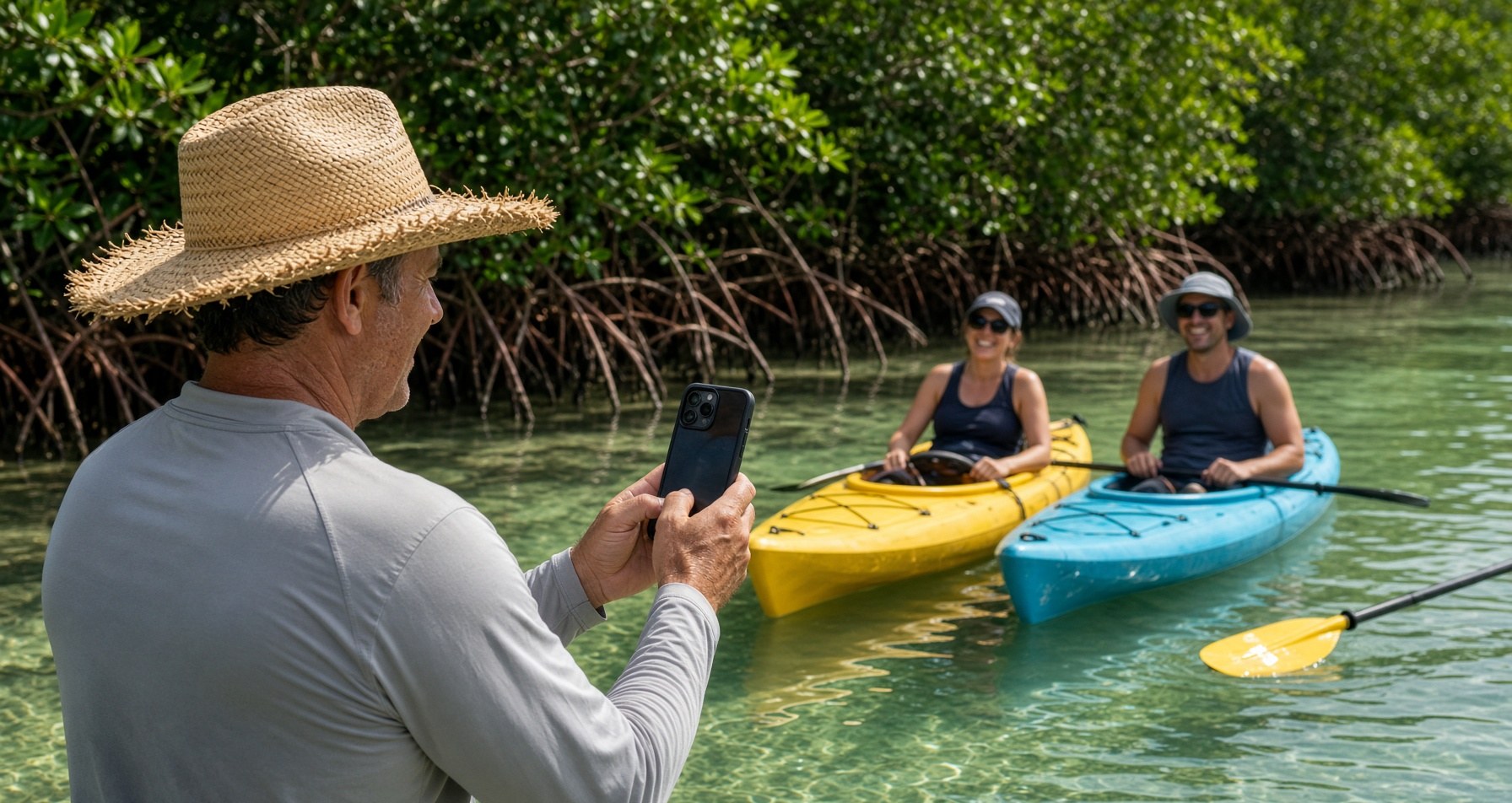
Step 1
Guide takes photos
During the trip, on the water. Same phone they already carry. Pictures that capture the moment.
Step 2
Guide uploads to Guide desk
After the tour, the guide picks the location and the time, then dumps the day’s pictures. The app sorts them by guide, place, and time so the morning trip and the afternoon trip stay apart.
Guide desk
Add photos from this phone
Date — only this day dumps
September 10, 2026
Tour location
Lido Key10:00amTourRentals10:00am12:30pmMidnight PassAdd photos for:
10:00am
Photos from 9:45am to 12:00pm
Step 3
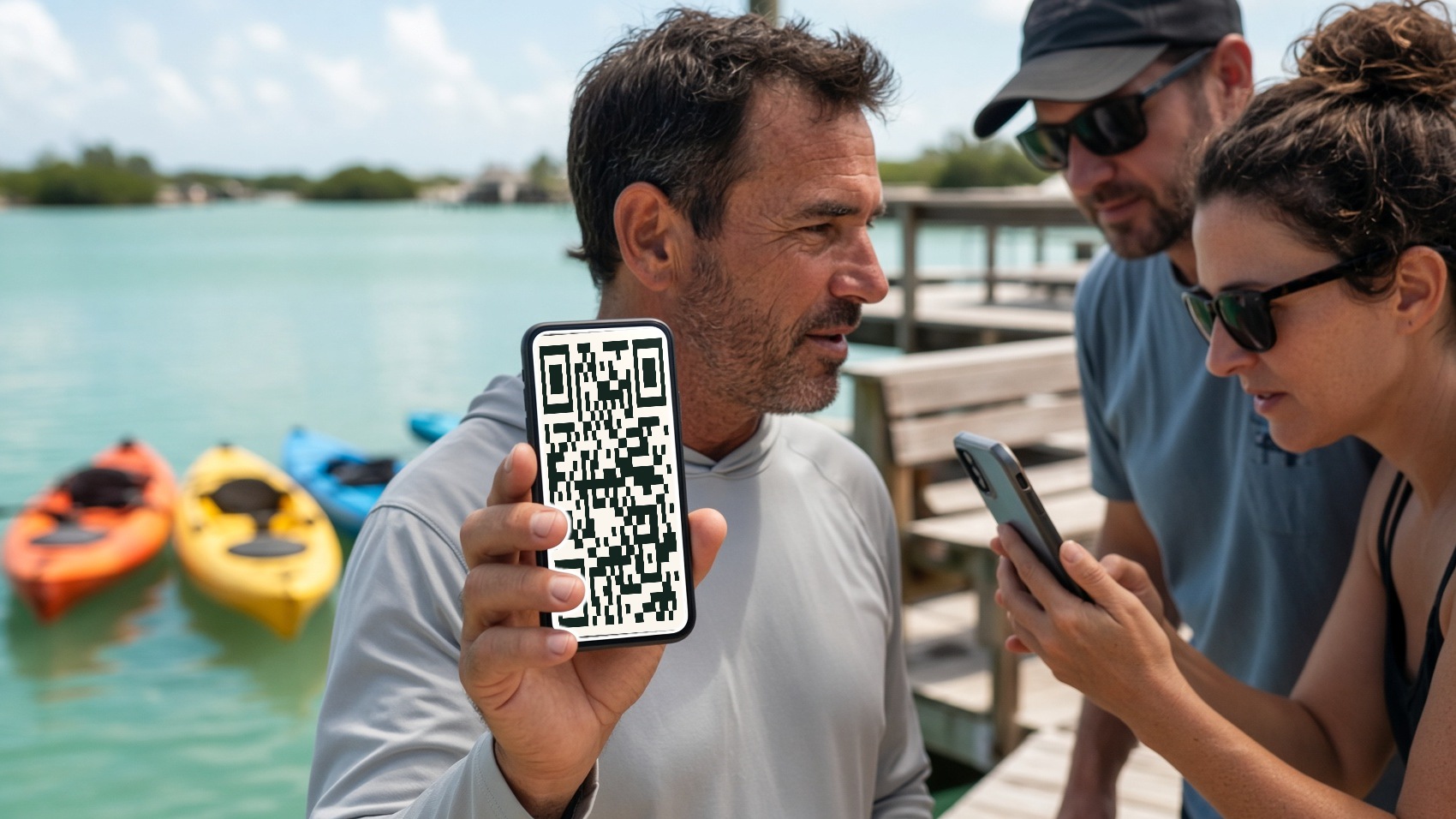
Guests scan a QR and go
The guide opens the QR on their phone. Guests scan it with their own camera. No app to install. Nobody waits for the guide to download pictures and text them group by group. Fast, easy transfer of photos in seconds. Guests and guides get back to what they were doing.
Step 4
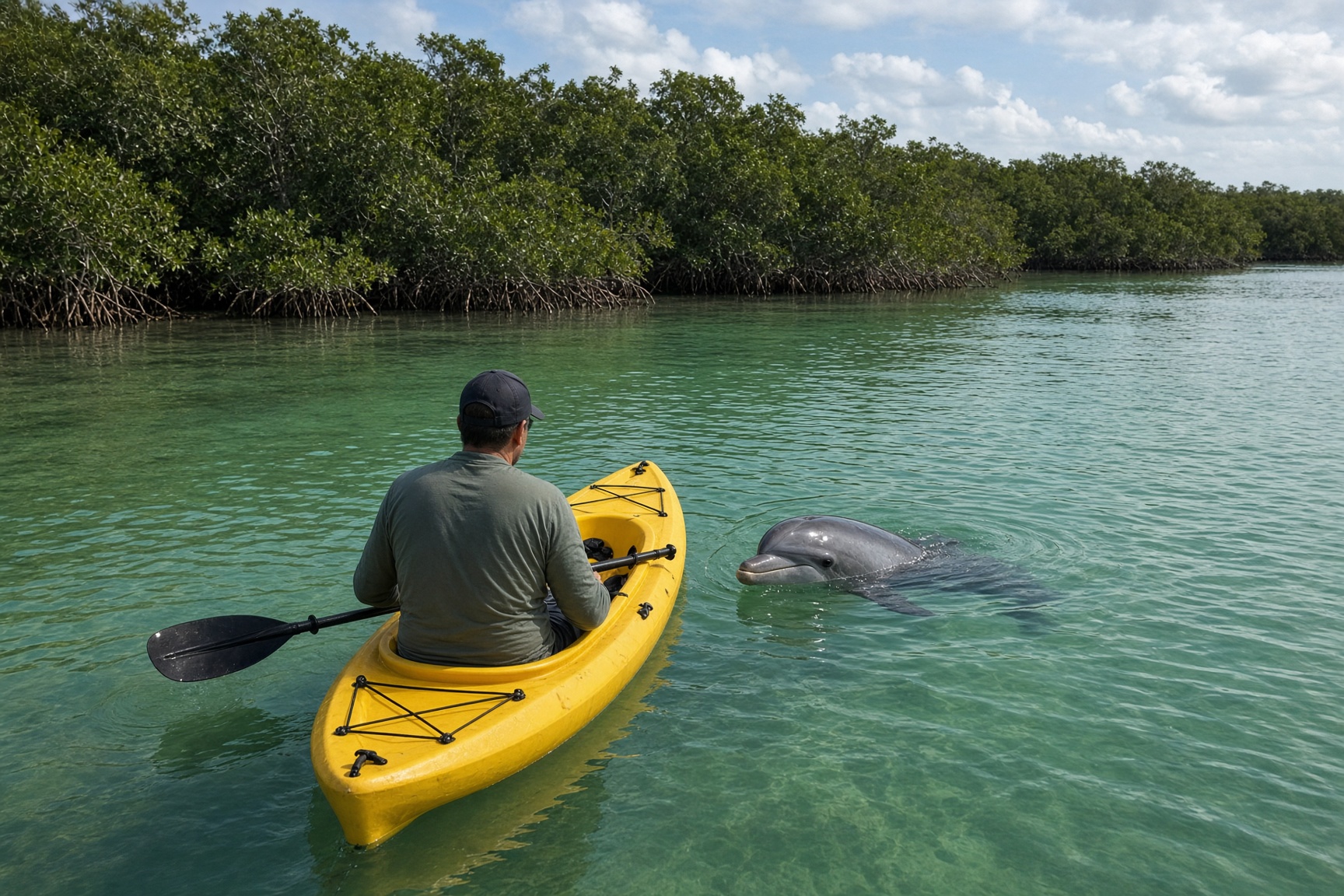
Guests pick their tour and download
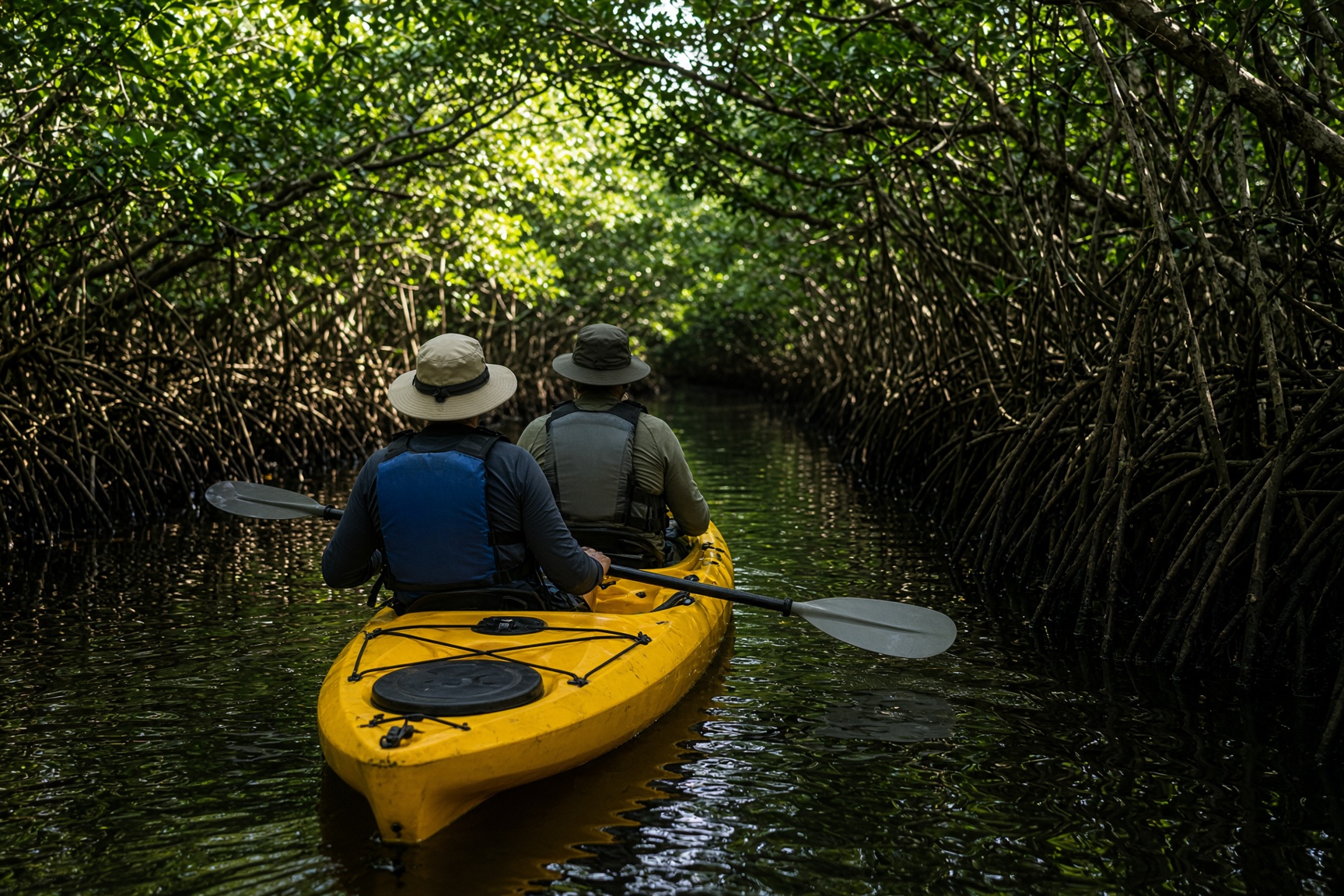
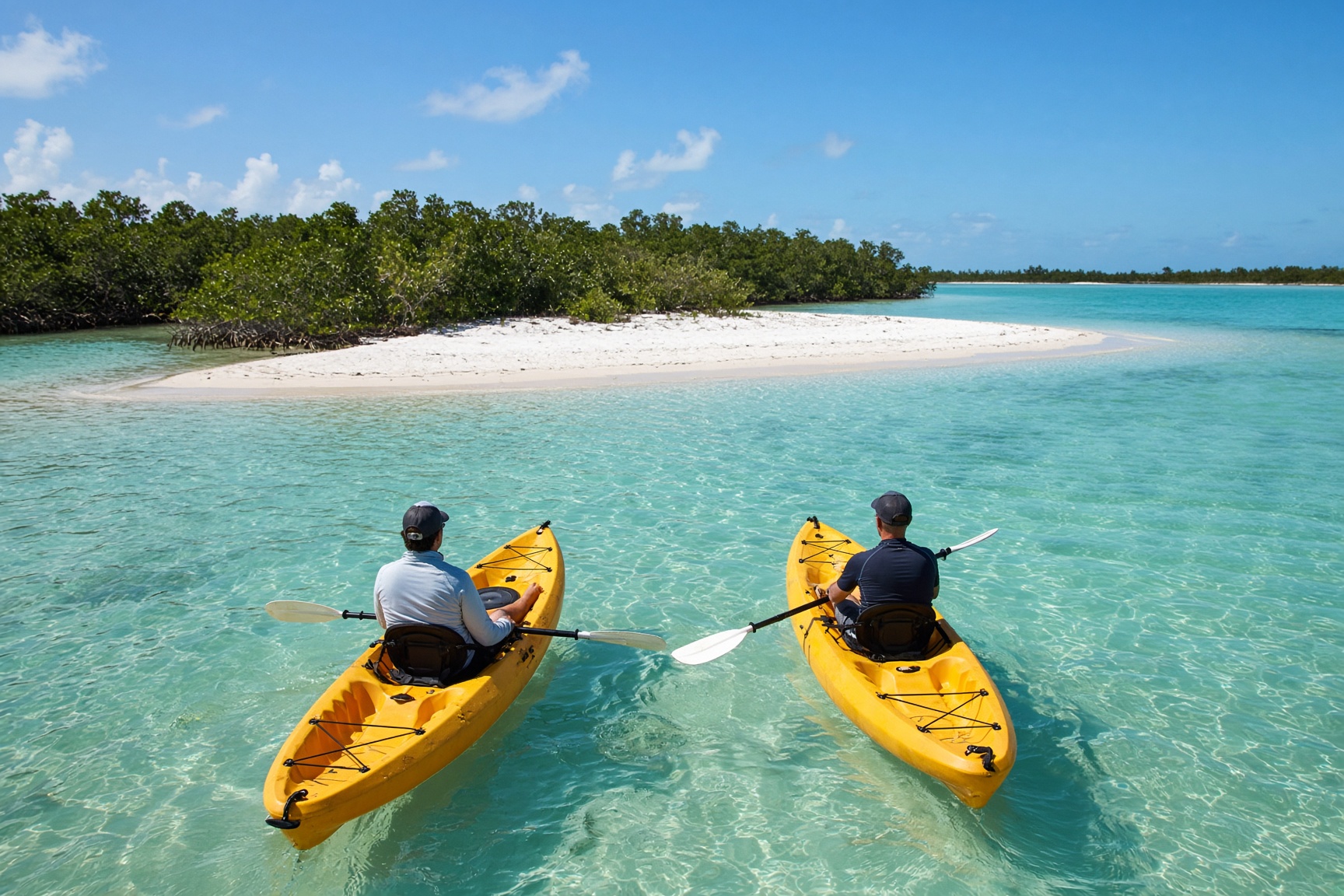
Guests tap the guide, then the location, then the time. They scroll the photos, select the ones they want, and download.
Guide desk
Guide Gallery™
demo.guide-gallery.com
Pick your guide · Tap photo
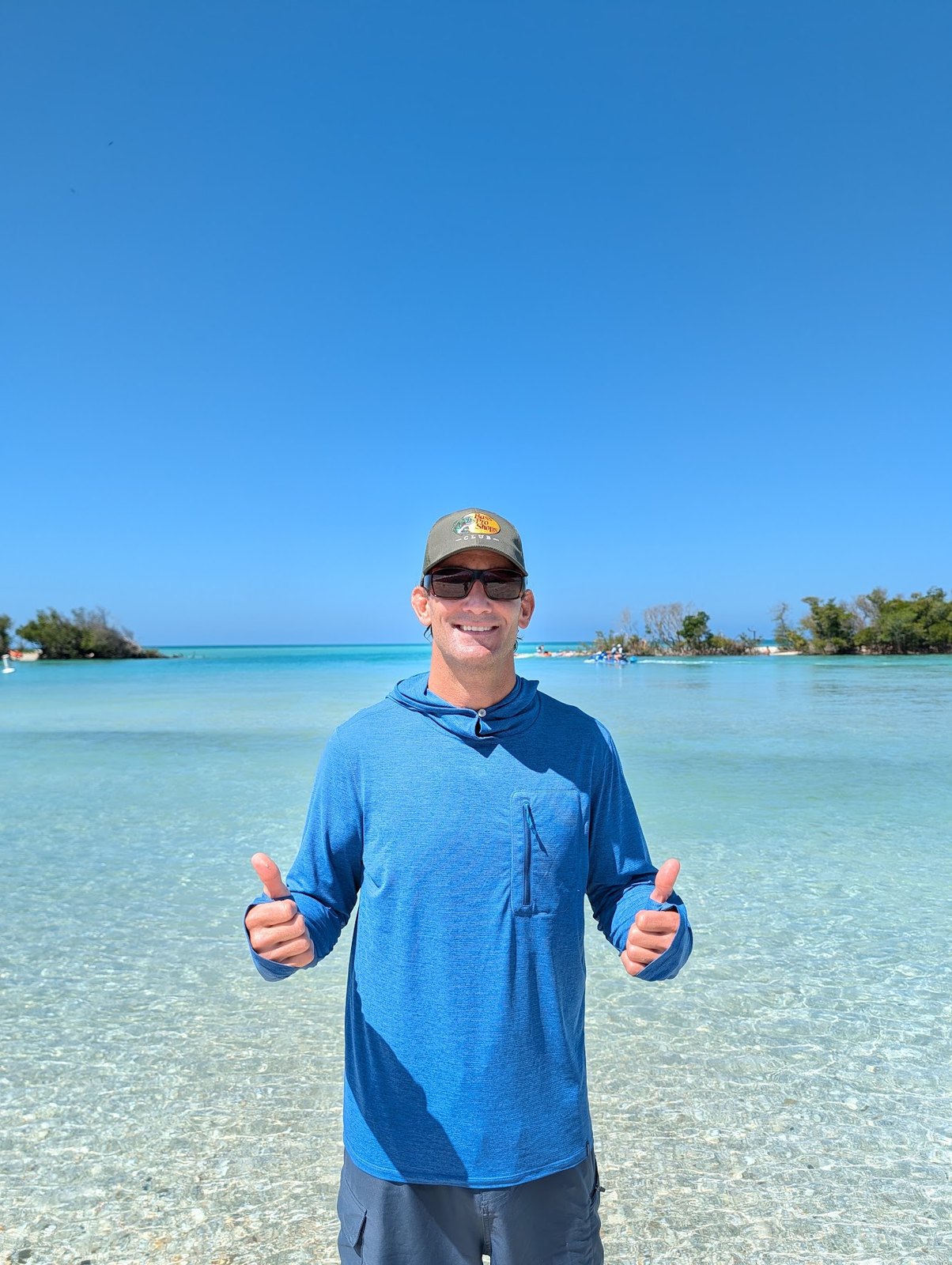
Michael

Liam

Lily

Jason

Cole

Ava
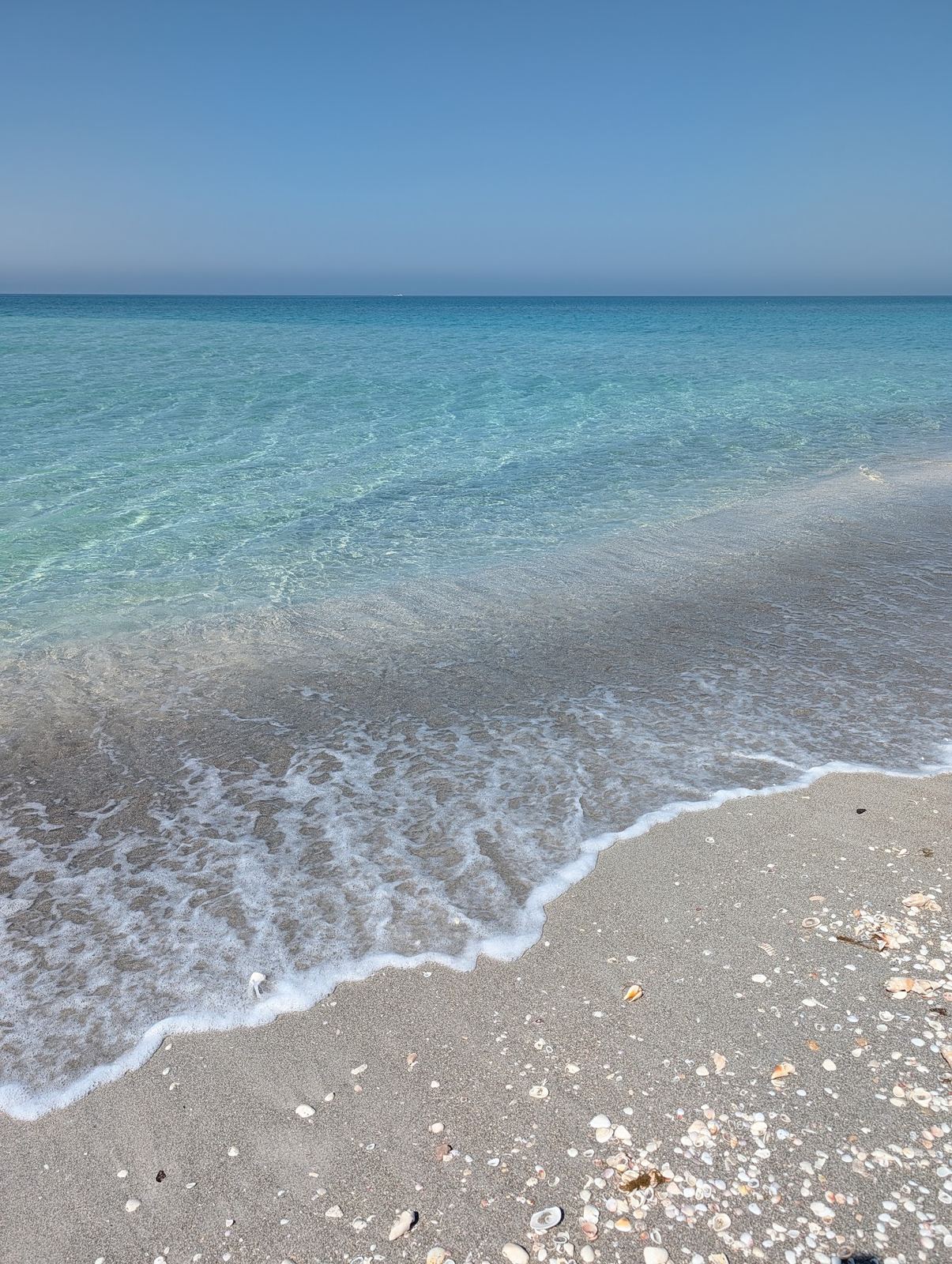
Scroll your tour
Lido KeyTourRentalsWed, Sep 10
10:00am
8 photos

Step 5
Guests can tip the guide via Venmo
After guests download, the guide’s Venmo code pops up. 100% of the tip goes to the guide. That tip is the reason the guide takes more photos.
Tip Michael if you like
Open Venmo@MICHAEL-WUNDERLICH-13 · note: pics
@MICHAEL-WUNDERLICH-13
Venmo
Step 6
The owner reviews every photo
The owner has their own secure login, separate from the guides. Every photo from every guide, every location, and every tour time goes straight to them. They decide what guests see: which photos, and which guides. A seasonal guide can be turned off out of season so guests no longer see that profile, then turned back on when they return. If someone is fired or quits and no longer works for the company, the owner can delete that profile permanently.
Company desk
PhotosSelect allMidnight Pass · 10:00am
Wed, Sep 10 · Liam · 1 / 24
New1 / 24Drag to scroll · New · Wed, Sep 10 · Liam · 1 / 24
DeleteDownloadStep 7
The owner sees when guests save
Guest download times by date and tour. How soon they save after photos go up. Take rate by location. The owner can see if guests save on the beach, in the car, that night, or the next day.
Click the tabstry all 3
Company desk
DownloadsGuest download times
Friday, September 1166 guest downloads10:46am · 10:51am · 11:01am · 11:03am · 11:06am · 12:36pm · 1:04pm · 1:09pm · 3:18pm · 3:22pm · 3:26pm · 3:40pm
The guest page
An efficient but elegant user interface.
Interact with the demo guest page below. Tap around like it’s the real site. Pick a guide, a location, and a time. Select photos, download, then the Venmo tip if they want. Uploads and deletes stay off — this is a walkthrough, not a live shop.
Guest page
Try the virtual guest page
Scroll this window like a guest phone. Tap a guide, pick location and time, then download.

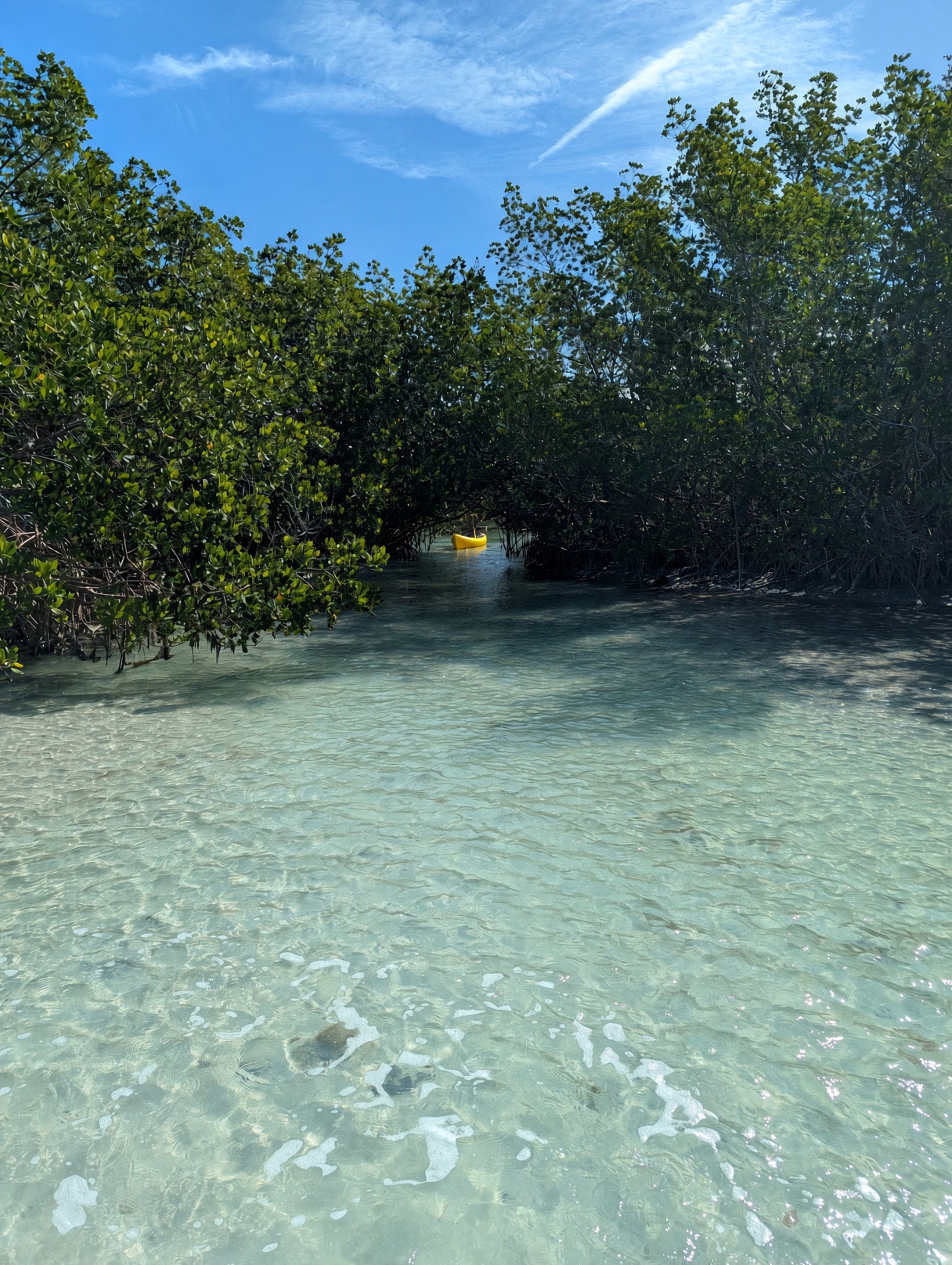
Pick your guide · Tap photo
Choose your guide from the photos below. Tap their photo to scroll to your tour.
Liam
@MICHAEL-WUNDERLICH-13
Venmo
Scroll your tour
Pick a location. Tour and Rentals drop down.
Tap a date to open those photos.
Lily
@MICHAEL-WUNDERLICH-13
Venmo
Scroll your tour
Pick a location. Tour and Rentals drop down.
Tap a date to open those photos.
Jason
@MICHAEL-WUNDERLICH-13
Venmo
Scroll your tour
Pick a location. Tour and Rentals drop down.
Tap a date to open those photos.
Cole
@MICHAEL-WUNDERLICH-13
Venmo
Scroll your tour
Pick a location. Tour and Rentals drop down.
Tap a date to open those photos.
Ava
@MICHAEL-WUNDERLICH-13
Venmo
Scroll your tour
Pick a location. Tour and Rentals drop down.
Tap a date to open those photos.
A company page
Your company, not ours
Guests should see your company, not Guide Gallery. The page wears your name, your logo, and the cover photo you choose. Add your own website and it shows under your name. Leave it off and that line stays blank. Each guide has a profile photo and a Venmo QR code, so the person who ran the trip is the one guests recognize and tip.
You lease the page, the way a store leases a room in a mall. Guide Gallery owns the mall. Your company owns the sign out front. Name, guide photos, and trip pictures stay with you. Switch from Free to Tall, Grande, or Venti any time.
Free subscription1 guide, 1 location, 1 tour a day. 10 photo limit. Photos saved 1 week.Upgrade to add guides and unlock unlimited locations, tours, and photos.
Company
Start a page
You set this up. Pick a plan below. Then add your company name, owner info, and signature. The link is made from the name. Change it later in Company desk if you want. You add logo, guides, and Venmo in Company desk after. Michael can still set a page up for you if you want help.
Talk to Michael
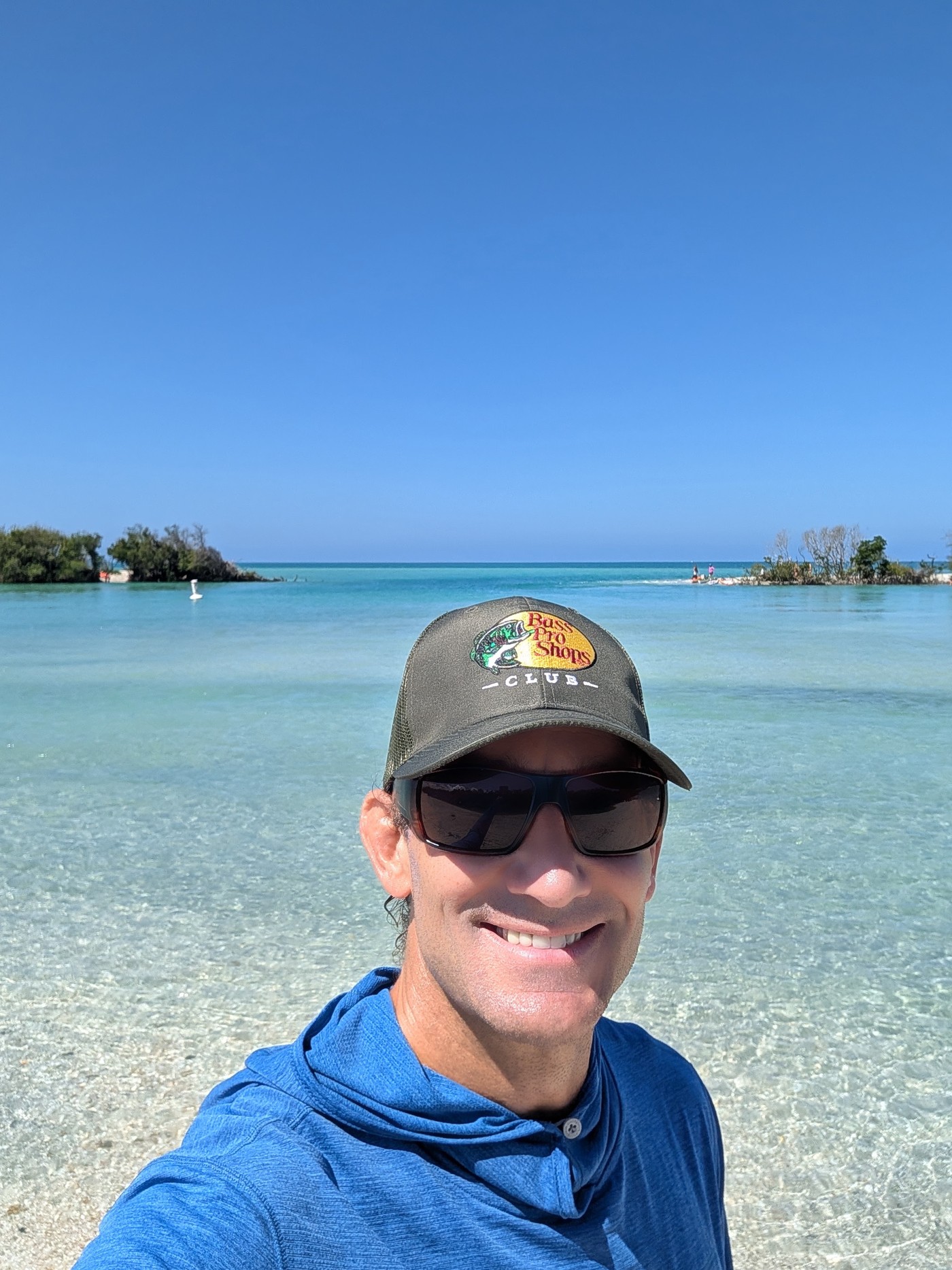
Owner of Guide Gallery LLC. Bradenton, Florida. I run tours and built this so guests can take their photos home instantly. No waiting, no texting, no figuring out which photos are yours. Scan the QR code and get on with your next adventure.
[email protected]